Imagine it in ChatGPT
Find the story, shape the text and create the visuals using the tools available in your session.
Turn a bedtime idea, family memory or collection of photographs into a publication in your own ChatGPT. This website is your private library: review, download and manage what you explicitly saved.
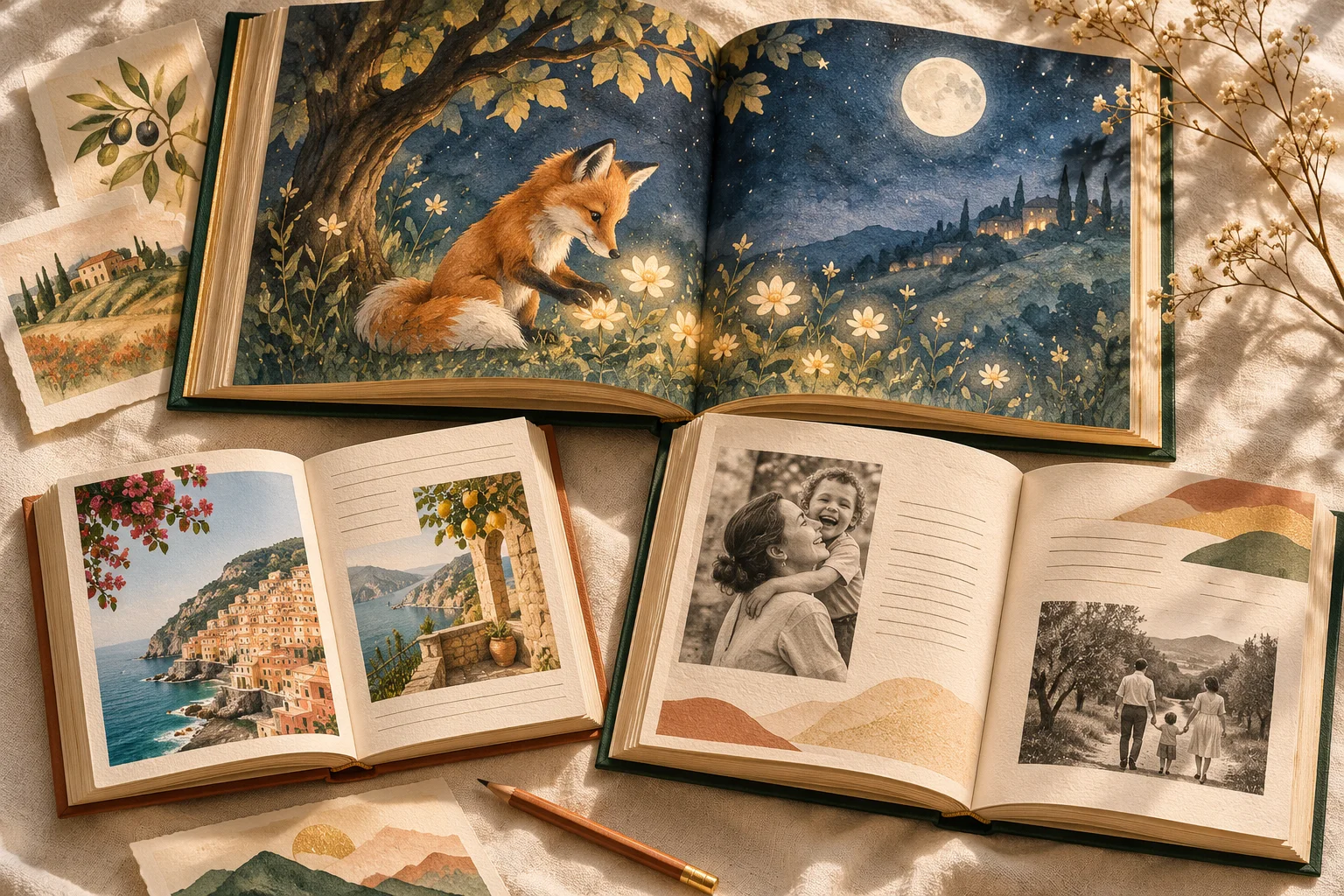
There is no separate AI editor on this website. Writing, illustration and editing happen in your own ChatGPT conversation.
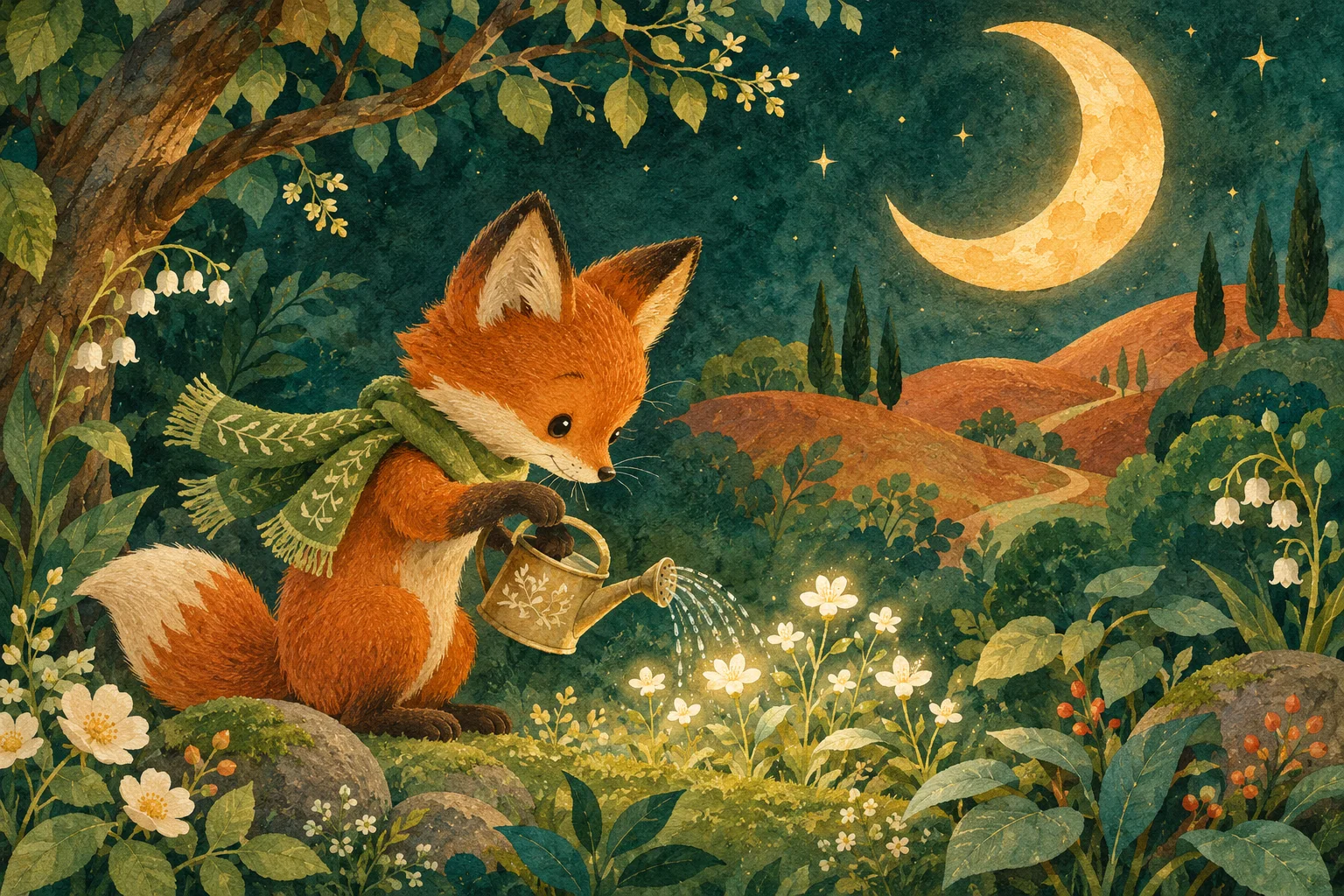
Draft · Illustration · Project notes
Create and edit in ChatGPT. Here you can inspect saved work, download files, restore a version or remove a project.
Explore the sample project →Create and edit in your ChatGPT conversation.
There’s no single kind of book here.
Just the one you’ve been meaning to create.
Turn a familiar face, a favourite animal or a bedtime idea into an illustrated story you can make together.
Explore the possibilities →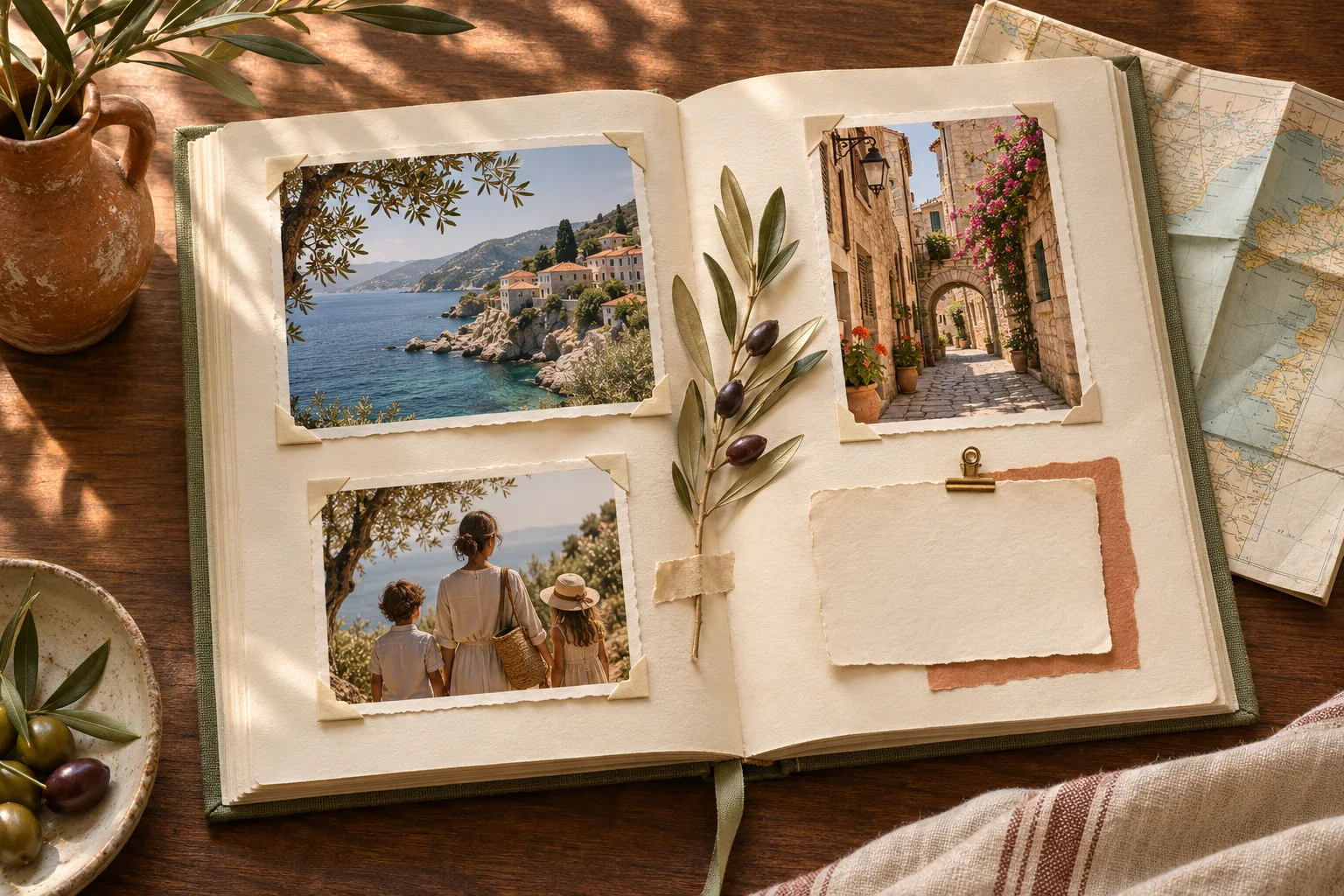
Give memories a place to live. Shape interviews, old photographs and small family moments into a coherent personal book.
Explore the possibilities →Make a considered collection from your photographs: a travel diary, a family yearbook or a visual story about one place.
Explore the possibilities →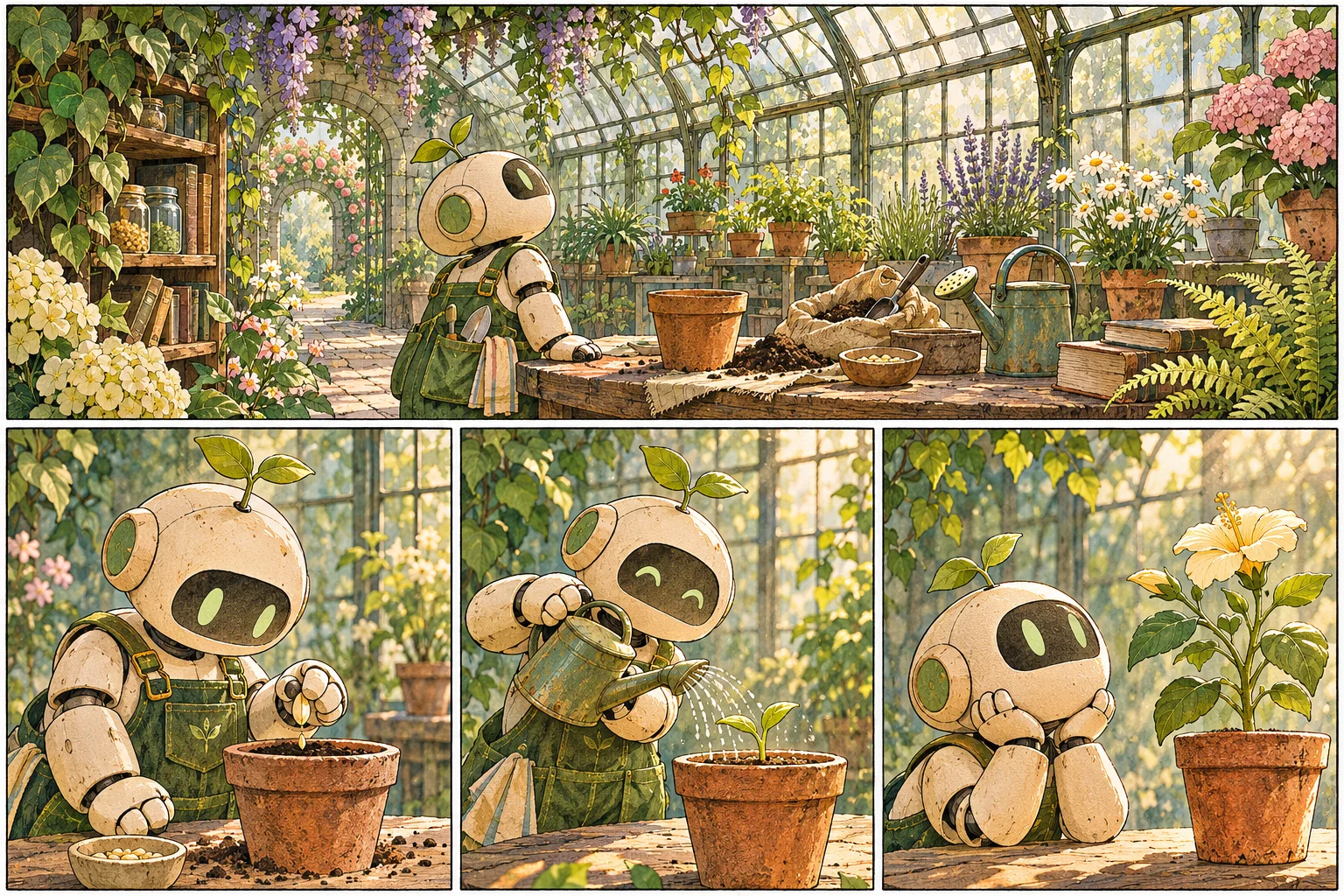
Develop an original cast, a visual language and a sequence of panels for a comic, manga-inspired story or graphic essay.
Explore the possibilities →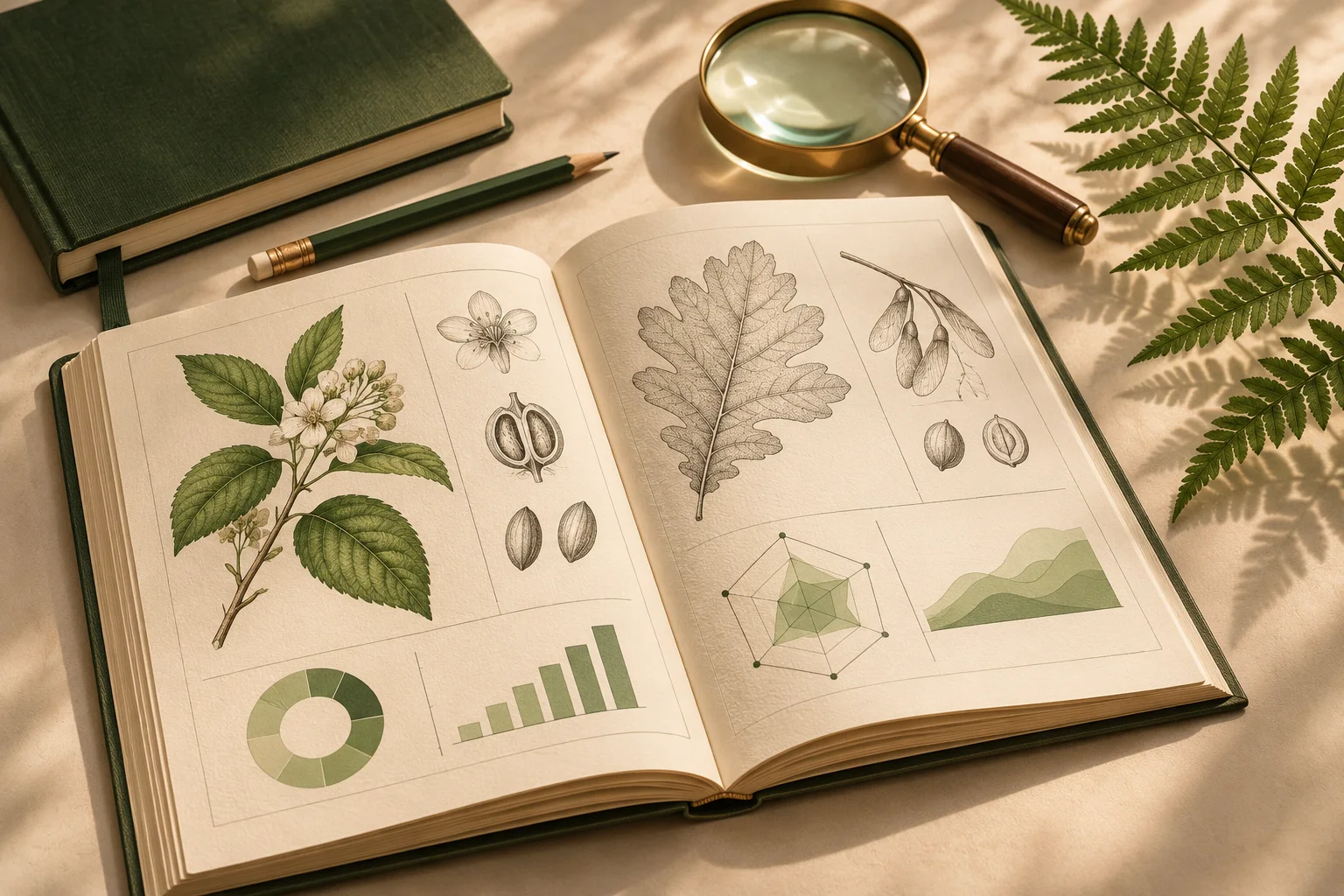
Organise your own research into a clear booklet, study guide or longer publication, with sources kept close to the claims they support.
Explore the possibilities →Create an original birthday magazine, celebration booklet or personal field guide that feels made for its reader.
Explore the possibilities →No new editor to learn. No second AI subscription from us. Just your conversation, with a place to save your work.
Explore the workflow →Find the story, shape the text and create the visuals using the tools available in your session.
Choose your draft and materials. We keep the files, decisions and versions you explicitly save.
Open the project in a new conversation, or download your materials from a simple private library.
Need more room? Ask for a manual extension. Keep a downloaded backup of work you want to keep beyond thirty days.
A useful first draft starts with a few decisions. You do not need to solve the entire book before you begin.
Read the guide →Visual consistency comes from clear references and careful review. It is not something to assume because two images share a prompt.
Read the guide →A conversation is a workspace. Your library is where you deliberately keep the draft, references and files you want to return to.
Read the guide →It saves the publication drafts, project notes and files you explicitly choose to keep. You create and edit with ChatGPT; AI Publishing provides your library, versions and a way to resume.
The MVP allows three active projects, each stored for thirty days from creation. Each project can hold up to 100 MiB of files, with a 20 MiB limit per file and 100 draft revisions. There are no payments. ChatGPT availability and limits are separate.
No. Ask to save a draft or material and check the confirmation. Unsaved conversation content and generated files are not promised persistent by this service.
You can store and download PDF and EPUB files created with tools available in your ChatGPT session. Export capability depends on that session; AI Publishing does not render books or guarantee a particular export format.
Yes, after connecting the same account, ask the plugin to open a saved project. It retrieves project memory, draft versions and selected materials while the project is unexpired.
Create in ChatGPT. Keep the parts that matter.
Start your next chapter Free MVP · 3 projects · No payment details